Retain App: Data Export
Data Export
Retain gives you a few flexible ways to get your notes and tasks out of the app—whether you’re sharing with a teammate, writing an email, or turning work into trackable issues.
Exports are manual and intentional: you choose what to export, and nothing is sent automatically in the background.
Table of contents
Export by copy/paste
- Plain text
- Markdown
- Rich text
Create a draft in Gmail
Export to Linear
Need another option?
Export by copy/paste
The fastest way to move content out of Retain is to copy it and paste it wherever you need—docs, Slack, Notion, support tickets, or anywhere else.
From the export menu, choose the format that best matches your destination.
Plain text
Use Plain text when you want maximum compatibility and minimal formatting. This is best for:
- Chat tools that strip formatting
- Simple notes
- Systems that don’t support Markdown
Markdown
Use Markdown when you’re pasting into tools like GitHub, Linear descriptions, Notion (Markdown-friendly areas), or any editor that supports Markdown.
Markdown keeps structure like headings, bullets, and checklists in a portable way.
Rich text
Use Rich text when you’re pasting into tools like Google Docs or email clients where you want formatting preserved (bold, italics, links, lists).
Create a draft in Gmail
If your next step is sending an email, Retain can create a Gmail draft so you can review and send it from your inbox.
This is useful for:
- Sending a recap to stakeholders
- Sharing a memory or task list as an email update
- Keeping export formatting consistent in an email client
For setup and step-by-step instructions, see: Email Management Guide.
Export to Linear
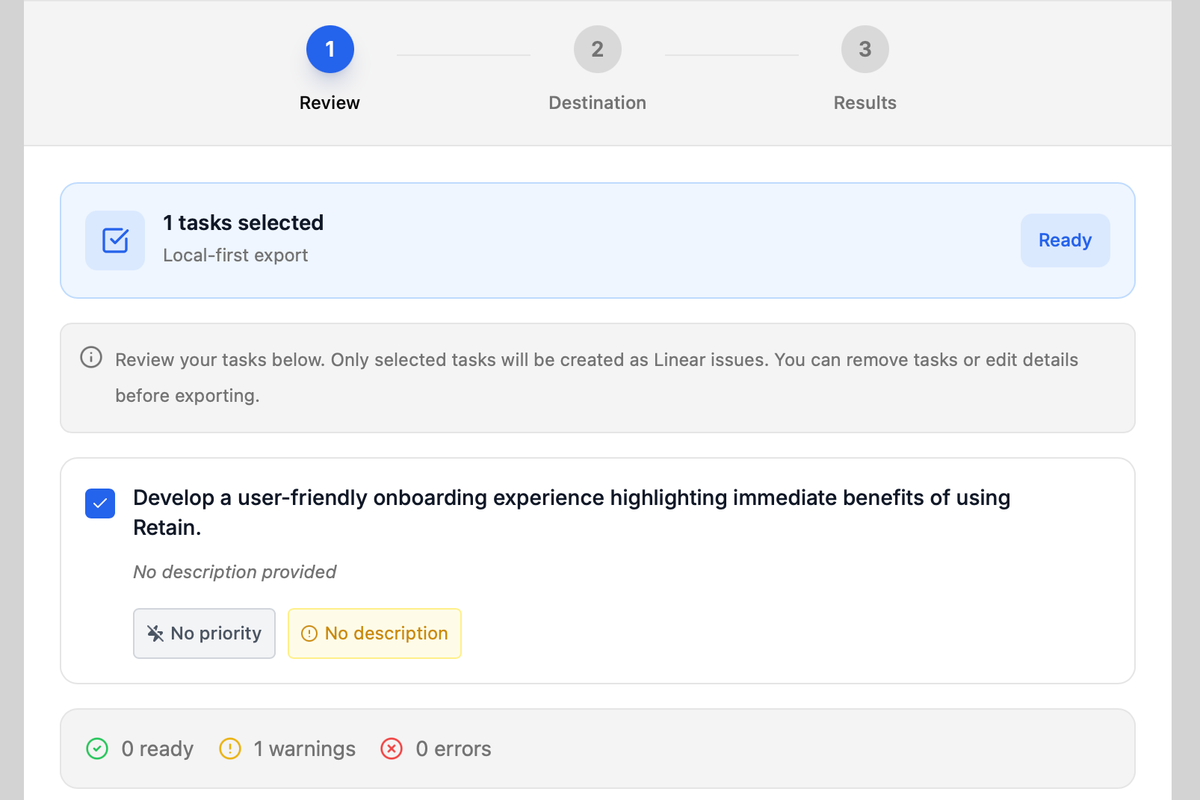
Retain can export selected tasks into Linear issues on linear.app.
For setup, requirements, and full details, see: Retain App - Linear Export.
Need another option?
Contact [email protected] to request additional export options. Retain adds new connectors rapidly based on our customers’ needs.
Need help?
Can't find what you're looking for? Contact our support team for a quick reply.
Contact Support